Introduction
Keeping documentation in sync with code is one of the most overlooked challenges in software development. As a project grows, instruction files, workflow guides, and setup docs scatter across repositories and branches. Manual updates become a bottleneck—and they often fall out of date.
At CodeGrind, we recently implemented an automated documentation synchronization system that mirrors instruction files across our primary GitHub repository and keeps generated pages updated without manual intervention. Here’s how it works, and why it matters for your project.
The Problem: Documentation Drift
Before automation, CodeGrind faced a familiar pain point:
- Custom instructions lived in
.github/workflows but weren’t accessible in the main repo structure - Agent workflow documentation had duplicate step numbering that broke clarity
- Version tracking required manual updates across multiple files
- Generated pages (like release notes and update logs) had to be committed by hand
Each of these gaps introduced friction and risk. A developer might follow outdated setup steps. A contributor might not see the latest agent workflow. A release could ship without its corresponding documentation page.
The solution wasn’t to hire someone to manage docs—it was to automate the sync.
How CodeGrind’s Documentation Automation Works
1. Custom Instructions Mirror
We created a custom-instructions/repo/ directory that automatically mirrors files from .github/:
docs: create custom-instructions/repo/ mirror with updated instruction files
This workflow runs on pull request merges and copies instruction files from .github/ into a discoverable location. Contributors can now find setup guides, contribution rules, and workflow documentation in one place—and changes propagate automatically.
Why this matters: New team members or AI agents (like GitHub Copilot’s SWE agent) can access complete, current instructions without hunting through hidden directories.
2. Automated Numbering and Structural Fixes
We use bot-driven commits to catch and repair documentation errors:
fix: renumber duplicate step 6 in Local Agent workflow (docs/AGENT_WORKFLOW.md)
When a pull request introduces structural issues (duplicate headings, broken lists, inconsistent formatting), our workflow detects and fixes them automatically. A human still reviews the fix, but the tedious correction work is offloaded.
Why this matters: Documentation stays readable and navigable without slowing down development.
3. Automated Version Page Generation
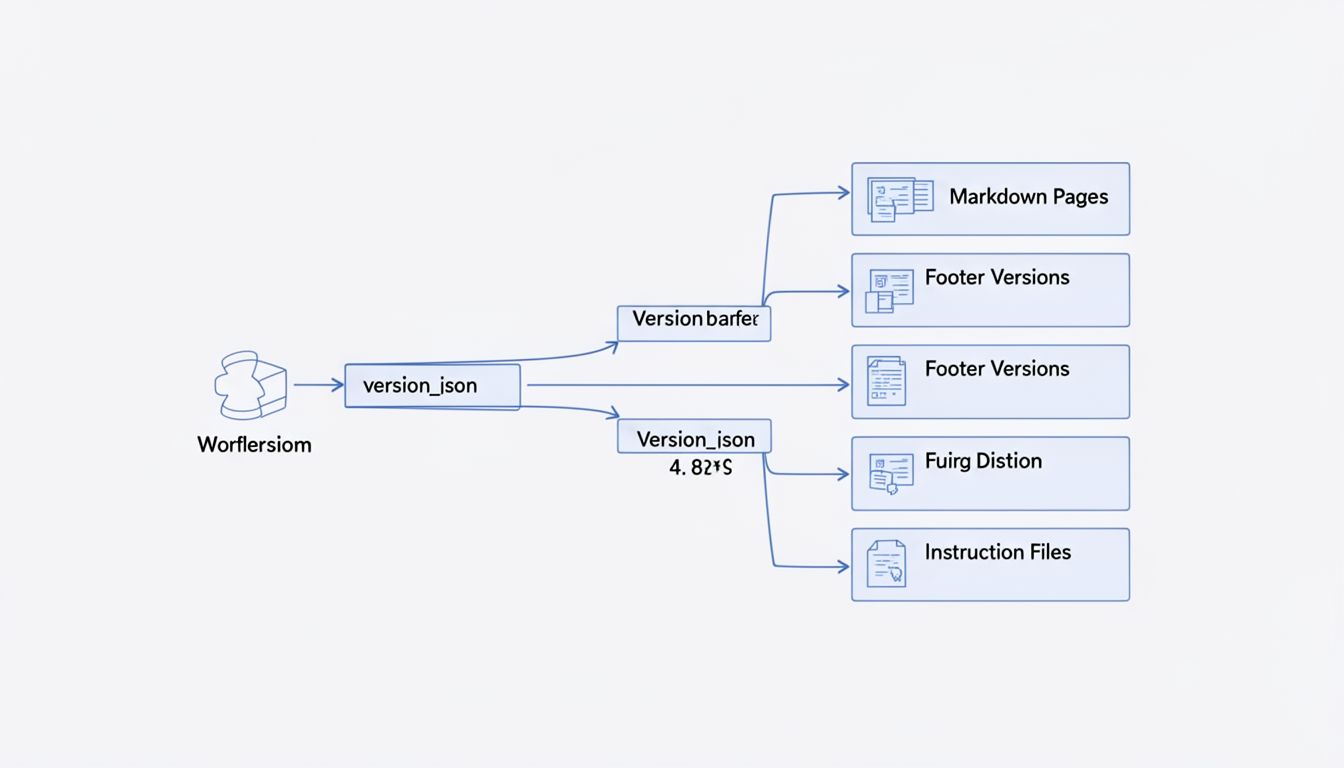
CodeGrind now auto-generates update pages tied to version.json:
feat: add automated update page generation and version tracking docs: auto-generate update v1.5.01
When a version bump occurs, a GitHub Actions workflow:
- Reads the current version from
version.json - Generates a markdown page with release metadata
- Commits it to the docs directory
- Syncs the footer version across the site
No manual changelog entries. No forgotten version numbers. The source of truth is one file.
4. Workflow-Driven Documentation Updates
Our CI/CD pipeline now treats documentation as a first-class artifact:
fix: sync footer version with version.json, fix duplicate ID, update workflow
Each commit that touches version files, workflow definitions, or instruction files triggers a cascade of sync operations:
- Footer version updates
- Custom instruction mirrors
- Structural validation
- Generated page updates
Why this matters: A single merge to dev keeps the entire documentation ecosystem in sync—no separate “update docs” step required.
Real-World Impact: The Recent Refactor
Last week, CodeGrind merged a major refactor (v1.5.01) that touched workflows, instructions, and versioning across 30 commits and 4 pull requests. Without automation:
- Each PR would need a manual docs review
- Version numbers would need to be updated in 5+ places
- Instruction files would be duplicated across directories
- The update page would require hand-written markdown
With automation:
- GitHub Actions detected all version changes and updated docs automatically
- Custom instructions were mirrored in one workflow step
- The update page was generated from structured metadata
- Structural issues (like duplicate step 6) were caught and fixed before merge
The entire documentation ecosystem stayed in sync without a single manual commit.
Practical Takeaways
If you’re managing a growing codebase, consider:
-
Identify your source of truth. For CodeGrind, it’s
version.jsonand.github/workflows. Pick one location for each piece of metadata. -
Automate the mirror. Use GitHub Actions to copy or generate documentation from your source of truth. Make it part of your CI/CD pipeline, not a separate manual step.
-
Validate structure. Add linting or bot-driven fixes for common documentation errors (duplicate headings, broken links, version mismatches).
-
Review the automation. Automation isn’t a replacement for human review—it’s a force multiplier. Humans still review PRs; automation just handles the grunt work.
Learn More
For a detailed walkthrough of CodeGrind’s agent workflow and documentation standards, check out docs/AGENT_WORKFLOW.md in the repository.
You can also explore the full CodeGrind platform at codegrind.online to see how documentation automation supports a living, breathing codebase.
What documentation challenges are you facing in your project? Consider whether automation could reduce manual overhead and keep your guides in sync with your code.